A district snapshot should help someone answer a specific question quickly. A page packed with numbers can look authoritative while hiding differences in time, geography and measurement.
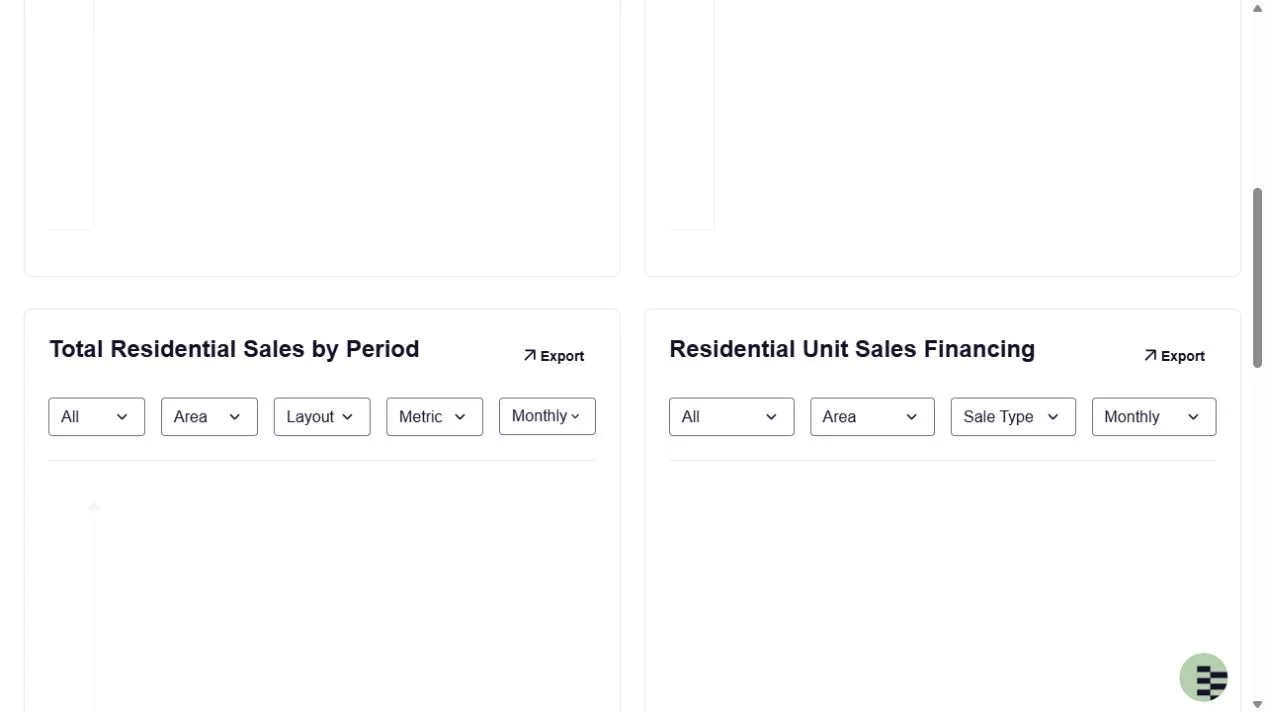
ADREC sales controls, captured 17 October 2026. The chart did not render in this session; blank space is not an observed zero. Image source.
This template starts with the question, then records only the evidence that helps answer it.
Write the reader question at the top
Examples include: Did recorded apartment sales activity change in this district during a defined period? How does a selected area's lease measure compare with its earlier value? A statement such as which district is best is too broad until you define the buyer, property type and decision.
Choose one district and one primary reporting window. The ADREC market data interface offers sales, lease and index views with filters. Save the selected settings and retrieval date beside every exported result.
Use a one page evidence grid
| Field | What to show |
|---|---|
| Question | The decision the reader is trying to make |
| Geography | Exact district or selected area label |
| Period | Start and end of the reporting window |
| Population | Property type, layout and sale or lease category |
| Measure | Count, value, mean, median or index, with units |
| Source | Direct link and retrieval date |
| Limit | Missing sample detail, broad geography or provisional data |
A blank or unknown cell is useful information. It tells the reader where a confident conclusion would be premature.
Keep unlike figures in separate panels
Do not place a sales median beside an advertised listing average without labelling the difference. Do not divide a six month transaction count by an annual stock estimate and call the result a measured absorption rate unless the populations, dates and definitions align.
ADREC's H1 2026 report notice describes registered transaction data, validation and geographic stratification for that report. That scope does not automatically apply to a portal listing set or to a figure copied from another publication.
Add one useful interpretation
After the grid, write two sentences: what the chosen evidence actually shows, and what it cannot establish. For example, a higher count of recorded sales in one period establishes more records under those filters. It does not by itself show that a specific unit appreciated or that a future price will rise.
A simple chart can help if its axes, unit and periods are labelled. If the chart cannot be reproduced from the stated source, leave it out.
Make the next update easy
For a fictional snapshot, imagine the question is whether recorded apartment sales activity changed between two complete reporting periods. Put the count for each period in the same panel, using identical district and property filters. Leave a separate unit price panel unavailable if no suitable measure is provided. This is a worked structure, not an actual market result.
Your interpretation would state whether the selected count changed, identify the source settings and note that the evidence does not establish individual home appreciation. A reader should be able to reproduce the comparison without guessing which filters you used.
Save the filter settings, export and source link so the same comparison can be repeated. On the next update, first check whether the source changed its data definition or coverage. Then compare like periods.
For a shorter client presentation after the evidence work is done, see the Knownable market brief guide. This article is the underlying data worksheet, not a forecast or valuation.